


Machine stopped?
Tell us the fault.
Report the machine make, model and what it's doing - or not doing. Include any fault codes showing on the display. We triage the same working day and confirm the fastest route back to running.
From report to running,
as fast as we can.
We review your report and contact you directly to confirm what's happening, fill any gaps and identify the most likely cause. A photo of the display or the fault condition speeds this up significantly.
You get engineer availability and an expected response time directly from us. We confirm what access and information is needed before attending, so the visit goes in focused.
You get a written report covering what failed, why it failed, and what to keep an eye on.
 Site photo
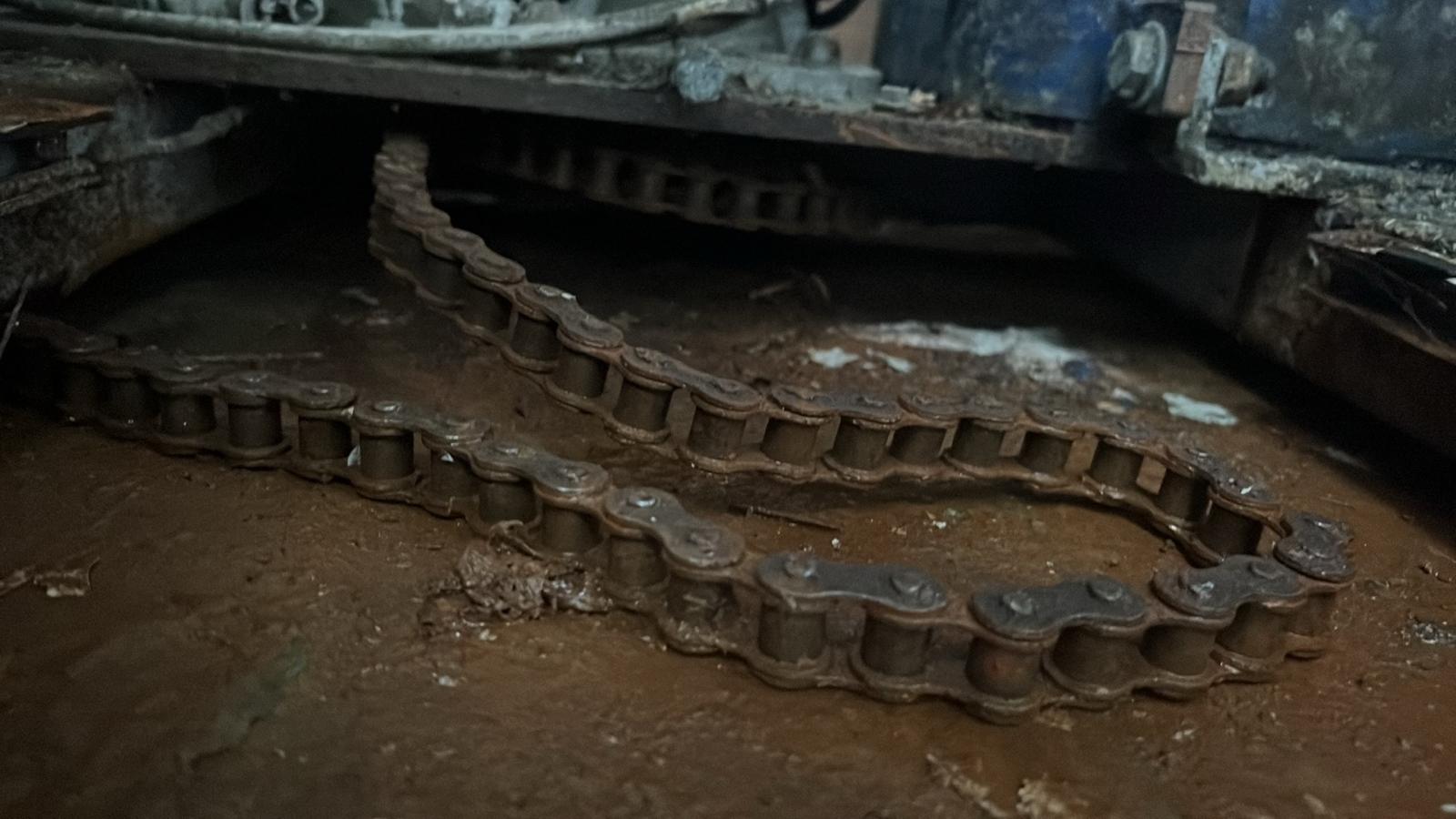
Turntable not turning
Drive chain failure. Common on older machines or where lubrication has been missed. The turntable stops immediately and won't restart.
See likely causes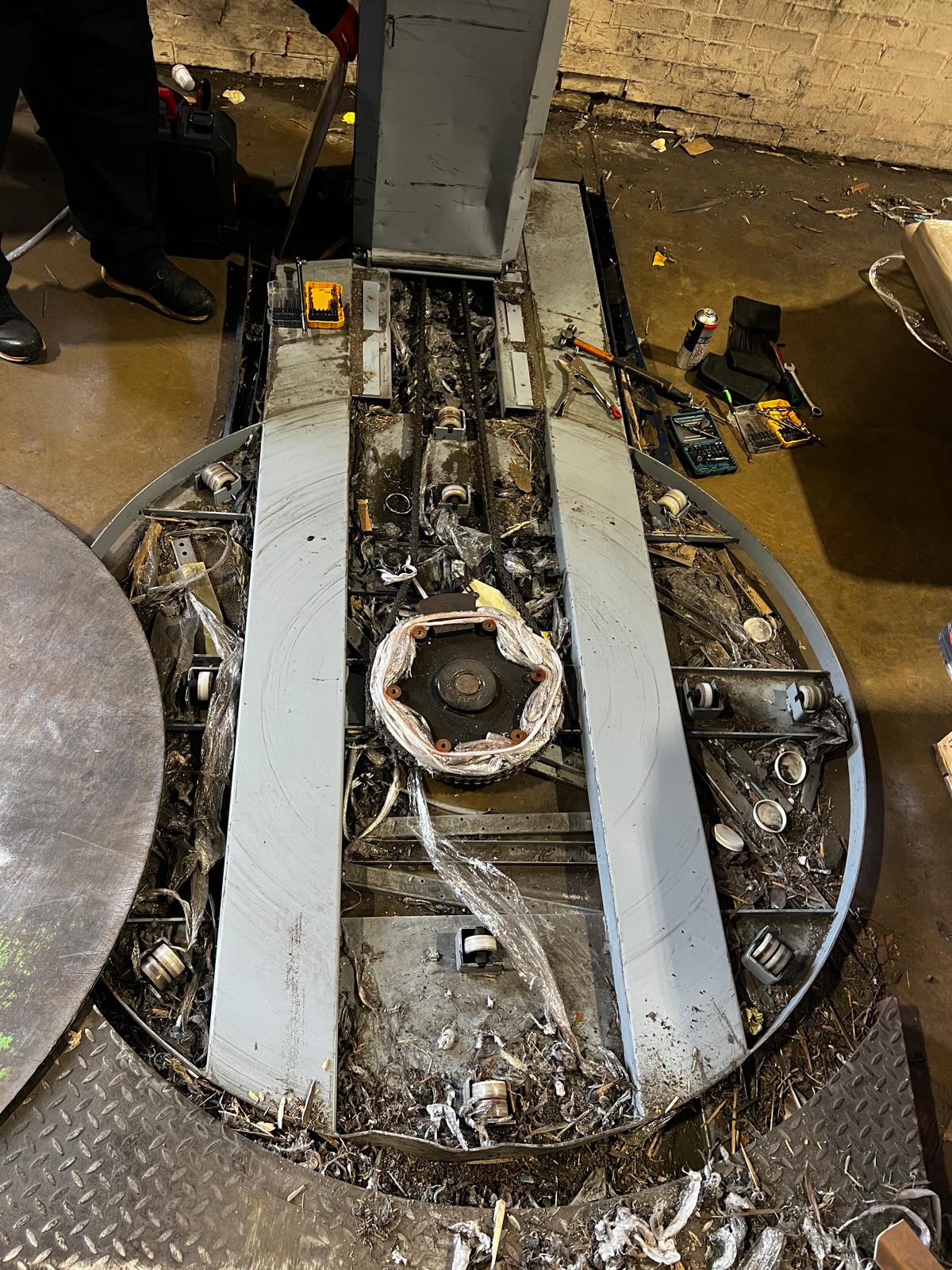 Site photo
Stops mid-cycle
Grease and film debris built up around the turntable bearing. Causes motor overload and mid-cycle stops - usually after the machine has been getting slower over days or weeks.
See likely causes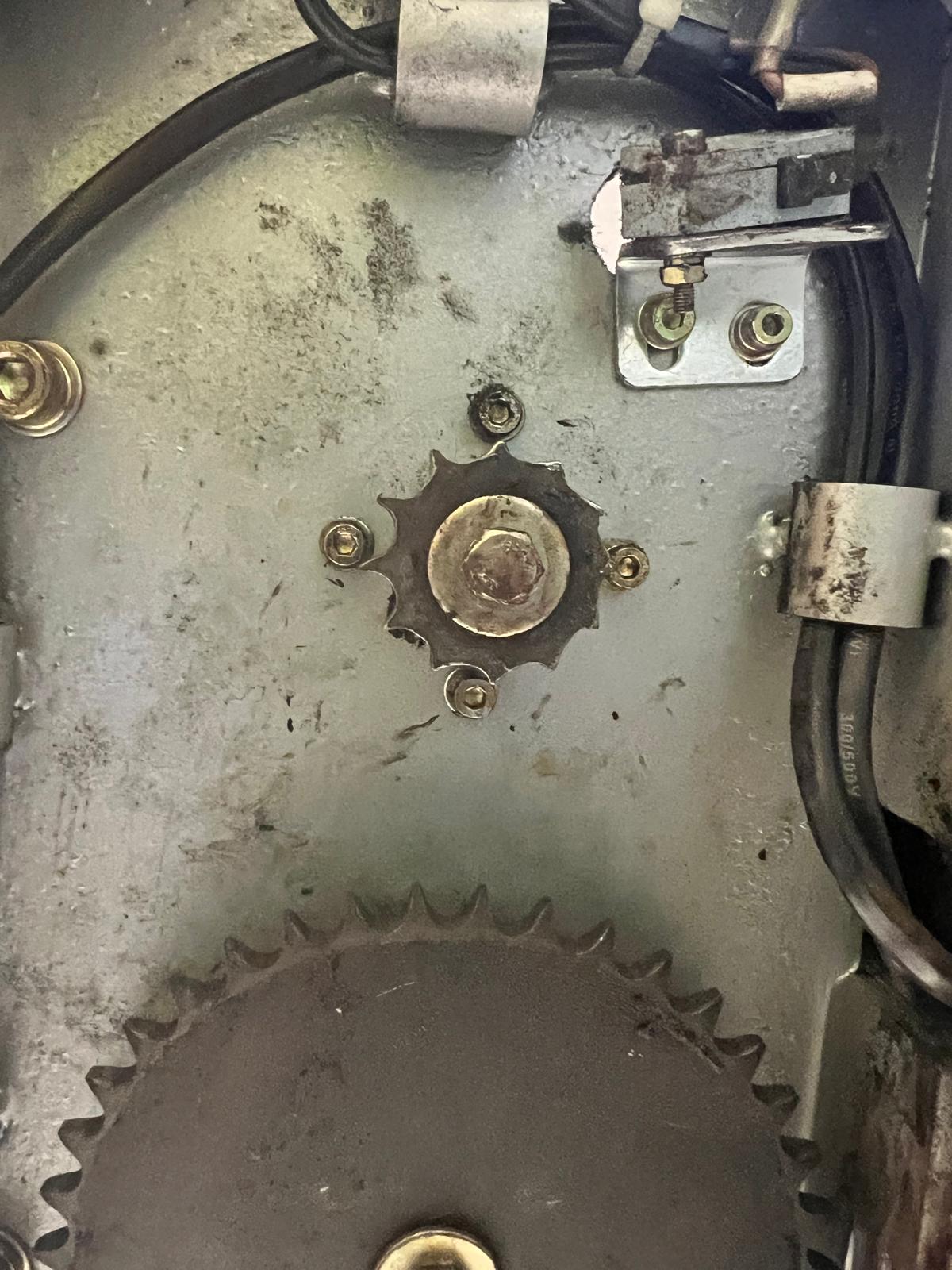 Site photo
Film carriage not moving
Lift carriage chain failure. The carriage stops at a fixed height and won't return to the home position. Usually sudden with no prior warning.
See likely causes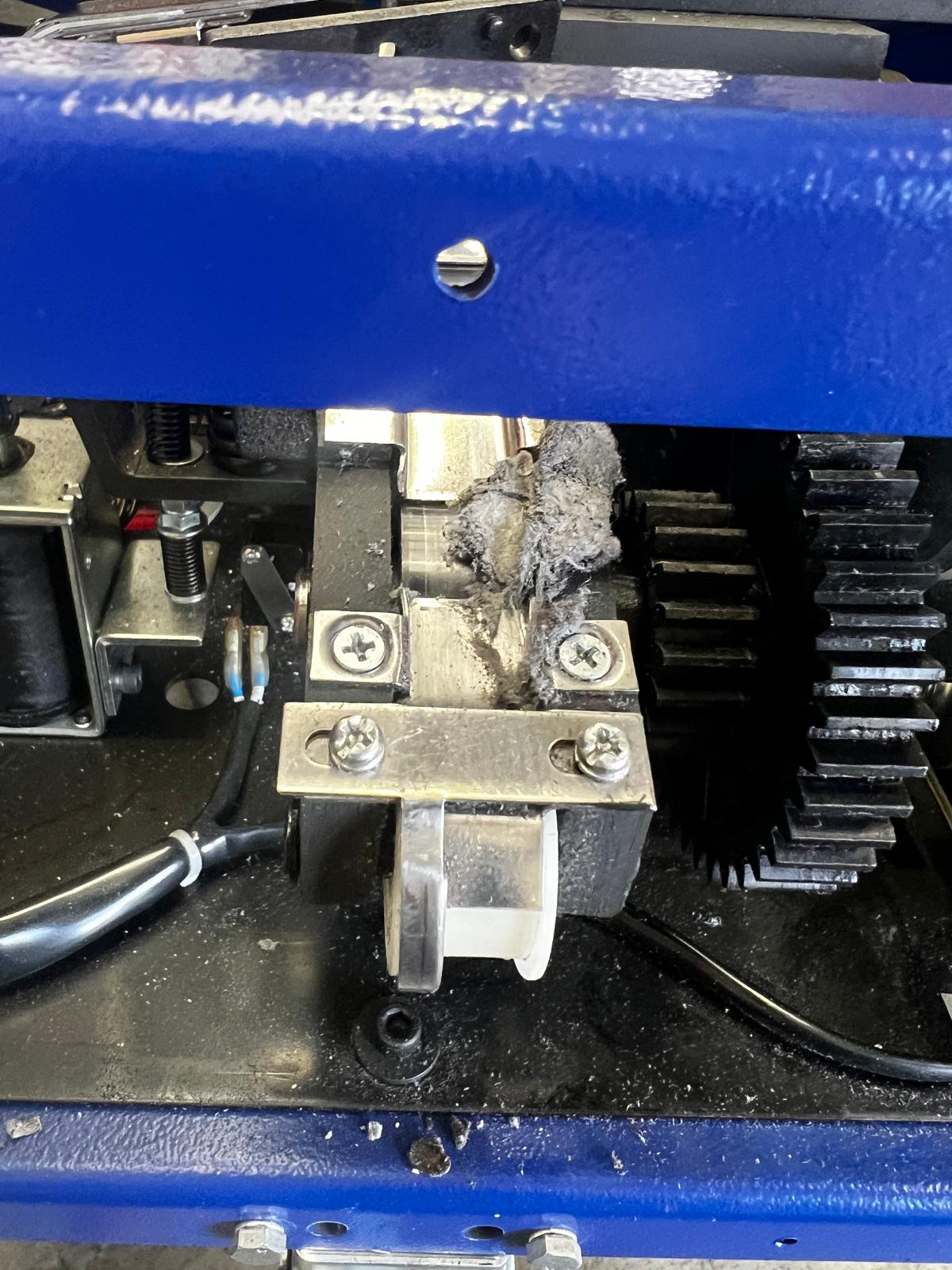 Site photo
Keeps jamming
Strap buckling in the feed track or arch. Often caused by worn feed wheels, incorrect strap grade or debris in the track. Can lock the machine completely.
See likely causes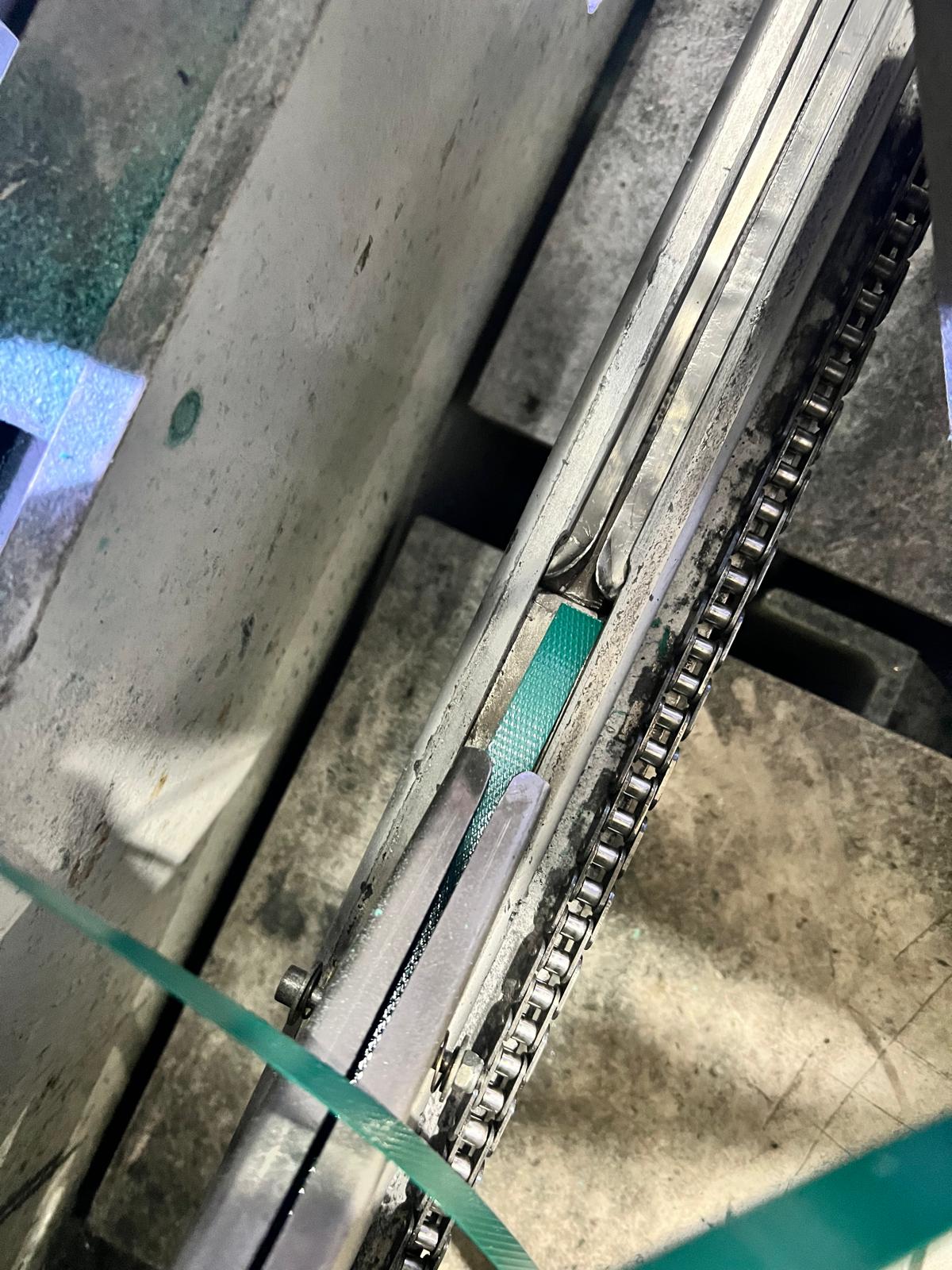 Site photo
Not feeding strap
Strap won't advance through the arch or track. Worn drive rollers, feed wheel slip or a partial blockage in the strap path are the common causes.
See likely causes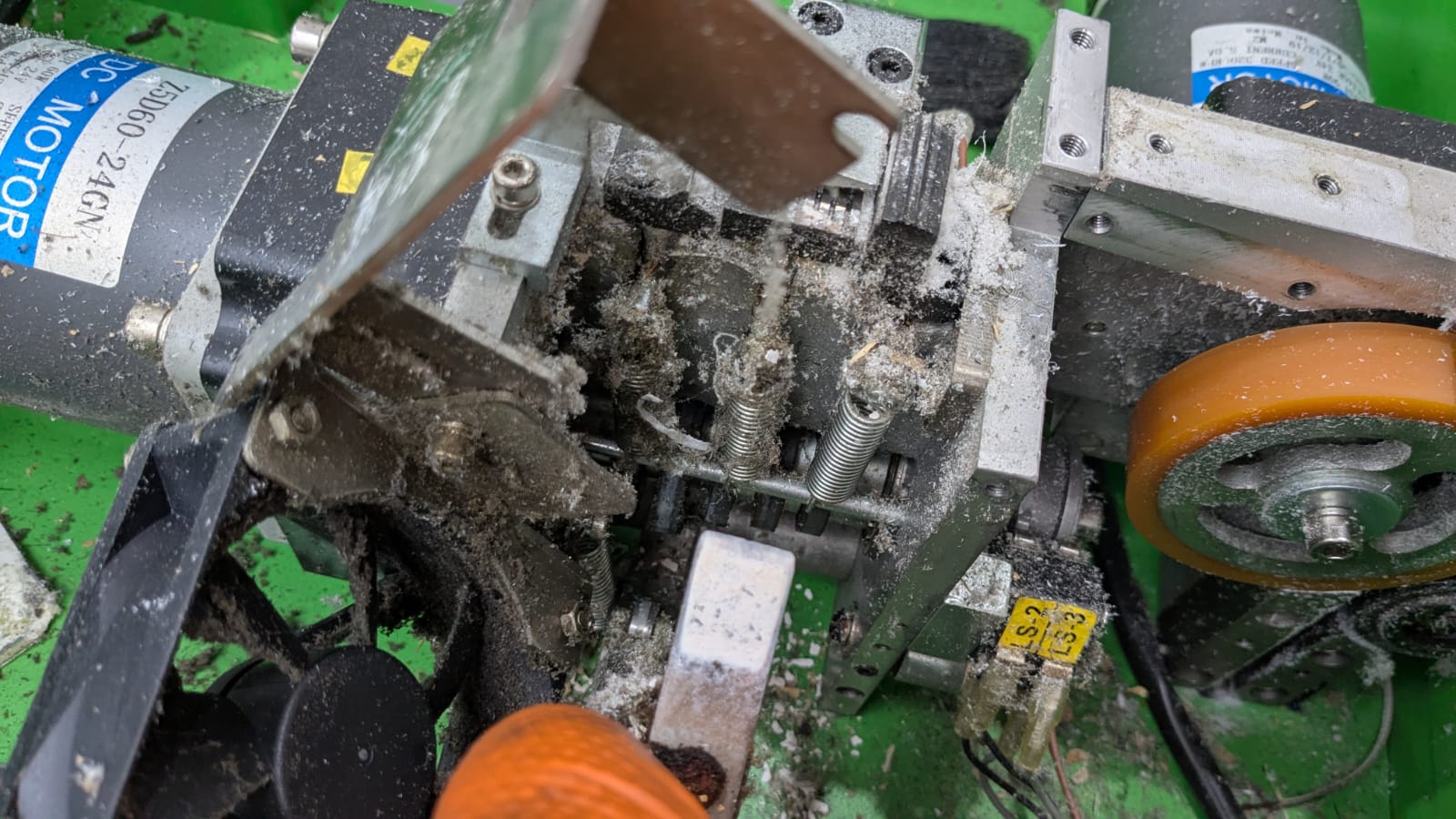 Site photo
Not tensioning correctly
Strap loops are loose or tension varies between cycles. Usually a worn tension wheel, slipping clutch or incorrect tension setting for the strap grade being used.
See likely causesQuick checks worth
trying while you wait.
These apply to most breakdowns and take two minutes. They resolve a surprising number of faults - and give us useful information if they don't.
Walk the machine and confirm every emergency stop is released by twisting it fully out. Press the main reset button after releasing all E-stops.
Open and firmly close every guard panel and safety gate. A gap of a few millimetres is enough to prevent the safety circuit completing.
Confirm the main isolator is fully in the on position. Check any accessible supply fuses. A tripped circuit breaker feeding the machine is easy to miss.
Before resetting, photograph any fault code or error message on the display. Fault codes point straight to the likely component and speed up remote triage considerably.
Remove any strap fragments, film tails or debris from the machine. Clear the arch or carriage path. Restart with fresh material loaded correctly.
Ask the operator what the machine was doing when it stopped - was there a noise, a flash, or did it just go dead? That context narrows the fault down significantly.